Record
Shoot the job the way you already work. Natural footage is the input — ScreenCut is built for it.
ScreenCut — powered by Service Writer
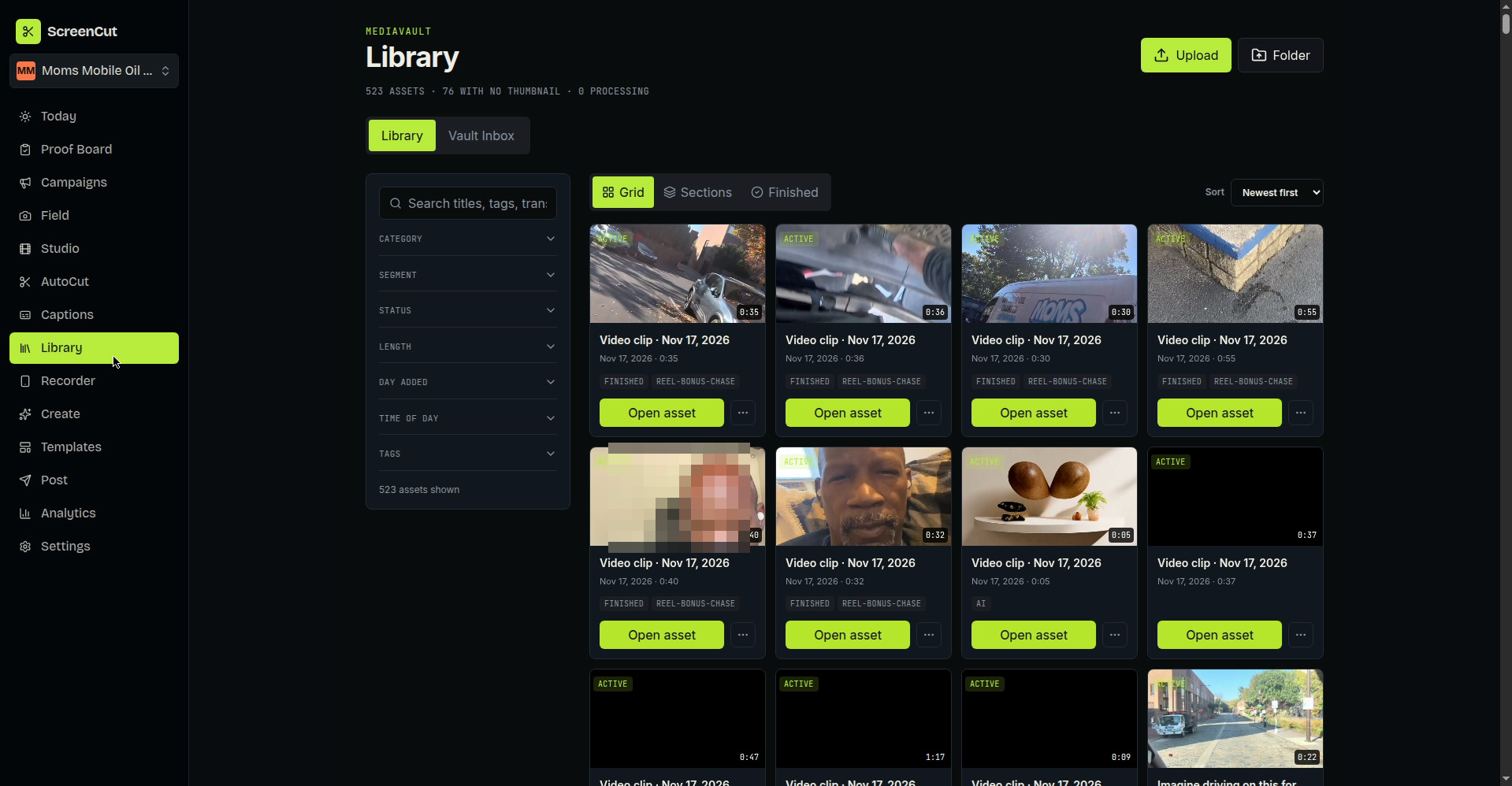
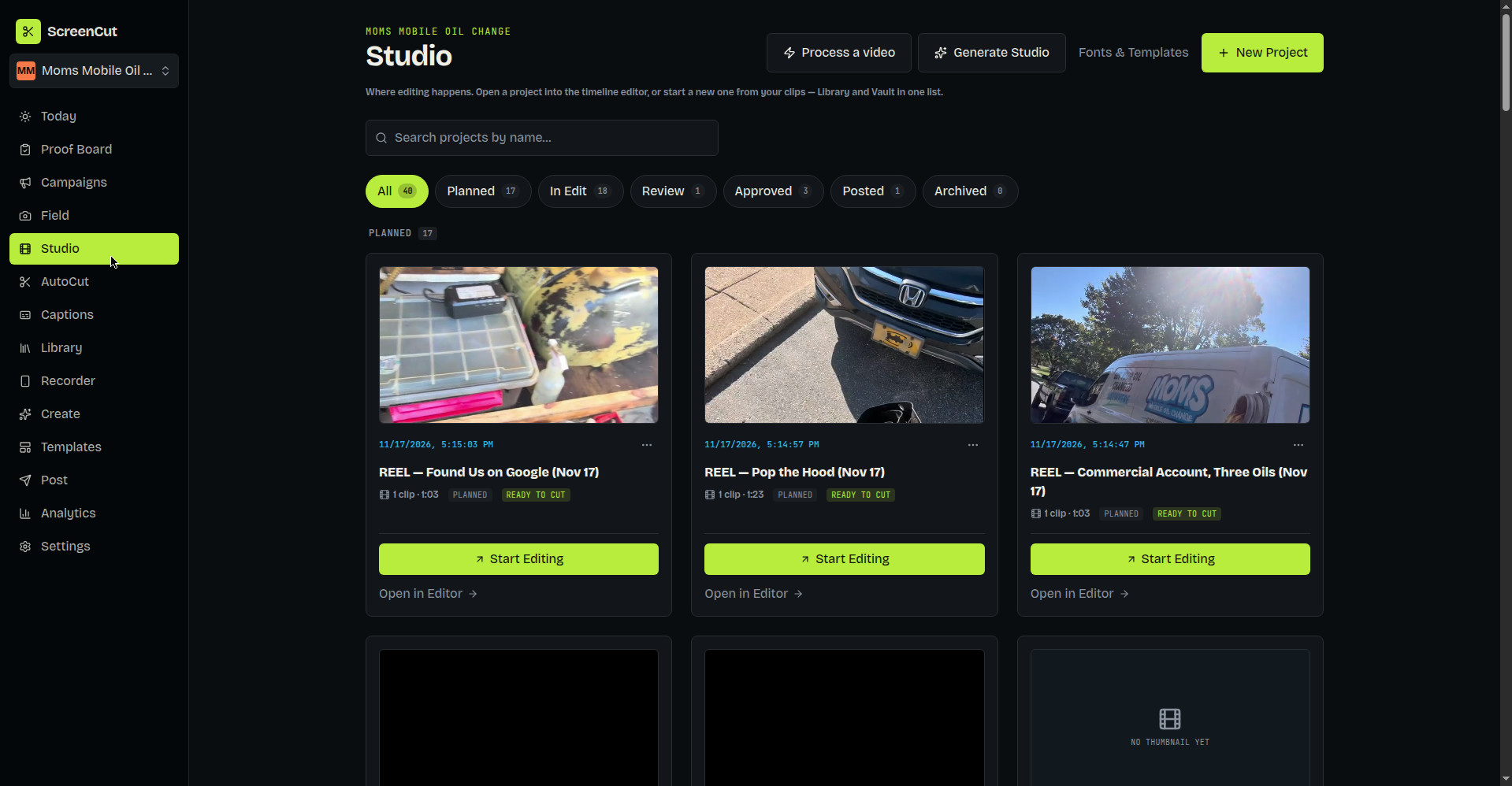
ScreenCut is the video editing platform built for operators and agents. You record the work the way it actually happens — ScreenCut handles the cutting. Your footage lives in a media vault, an editor seat handles review, and the whole workflow can be run by an agent end to end.
ScreenCut is sold individually, like every app in the suite.
What it does
How it works
Shoot the job the way you already work. Natural footage is the input — ScreenCut is built for it.
ScreenCut cuts the footage automatically, pulling finished clips out of raw recordings.
An editor seat gives a human the final look before anything ships — approve, adjust, or send it back.
Finished cuts come out ready to post, with the source footage still in the vault for the next one.
See it
Sold individually
Use ScreenCut by itself — no bundle required, and no need to sign up for anything else. Like every app in the suite, it is powered by Service Writer, the operations platform for mobile service businesses.